
Owning a Divevolk SeaTouch housing already gives you something most underwater phone cases cannot: real touchscreen control below the surface. But a few small setup changes can make the experience much smoother—and help you avoid the annoying problems that tend to appear only after you have entered the water.
These are the three Divevolk hacks I would set up before my next dive. They take only a few minutes, work with the SeaTouch 4 Max family, and can make a noticeable difference to control, touch response and confidence in the seal.
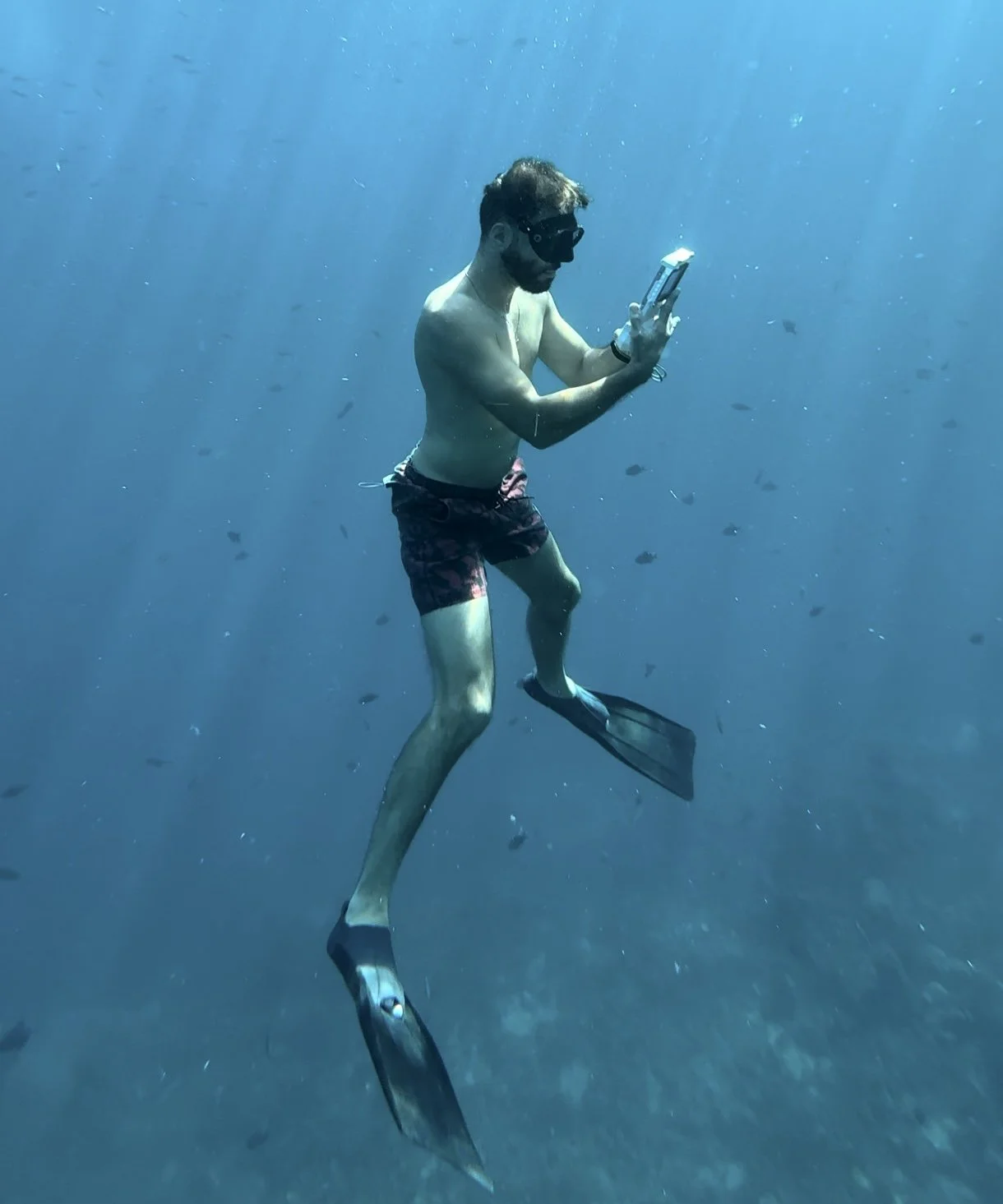
A diver using his Divevolk underwater.
Hack #1: Turn AssistiveTouch Into Your Underwater Control Center
The Divevolk membrane handles taps extremely well, but long swipes and multi-finger gestures are naturally harder underwater. AssistiveTouch replaces those gestures with a floating menu that you can operate using simple taps.
On an iPhone, go to Settings > Accessibility > Touch > AssistiveTouch. From there, customize the top-level menu with the functions you actually use during a dive. My practical setup is:
Home
App Switcher
Control Center
Screenshot
You can also assign actions to a single tap, double tap or long press on the AssistiveTouch button. Keep the menu small; four useful controls are easier to hit through the membrane than eight tiny ones.
Pro tip: Add AssistiveTouch to the Accessibility Shortcut so you can toggle it with a triple-click of the side button. Even easier, use my free Divevolk AssistiveTouch shortcut and place it on your Home Screen. One tap before the dive and your phone is ready.
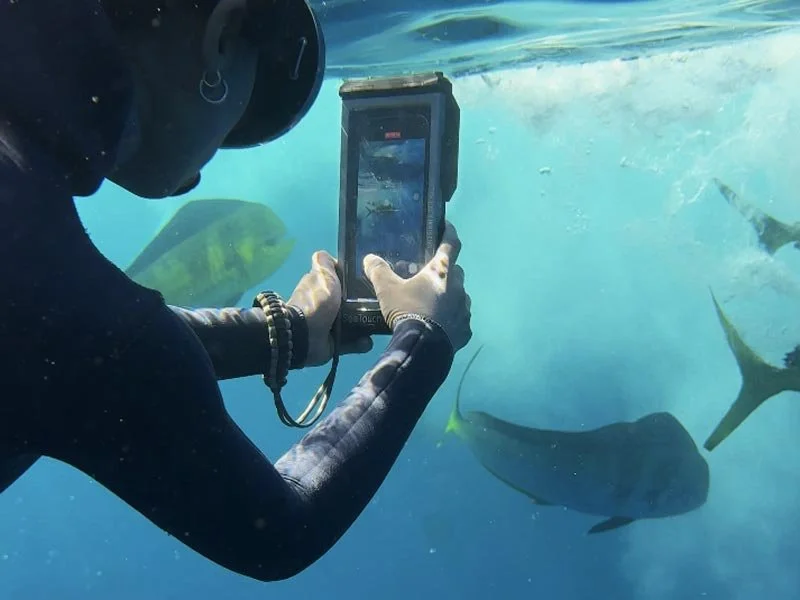
Touchscreen access even in fast-paced baitball chaos.
Hack #2: Fix Sluggish Touch Response Before Blaming the Housing
If the touchscreen feels slow or misses taps underwater, the problem is often not the Divevolk housing. Start with the layer sitting between your finger and the phone: the screen protector.
Divevolk recommends removing screen protectors from phones used in the SeaTouch 4 Max. Tempered glass, hydrogel film and privacy filters all add another layer for the membrane to work through. On the SeaTouch 4 Max Plus, removing the protector is still strongly recommended when touch response is not perfect.
Then confirm that you are using the correct adapter block for your exact phone and housing model. Adapters for the SeaTouch 4 Max, Max Plus and Platinum are not interchangeable. A phone that sits slightly too far away from the membrane will never feel as responsive as one held in the correct position.
If touch becomes sluggish during the dive, try the squeegee technique: press your fingertip against the membrane, drag it a short distance to push away the thin film of water, then tap. It sounds almost too simple, but it can immediately restore a clean contact point.
For drysuit divers, thick insulating gloves can also interrupt the conductive path. A conductive finger cot over the glove fingertip is the cleanest solution.
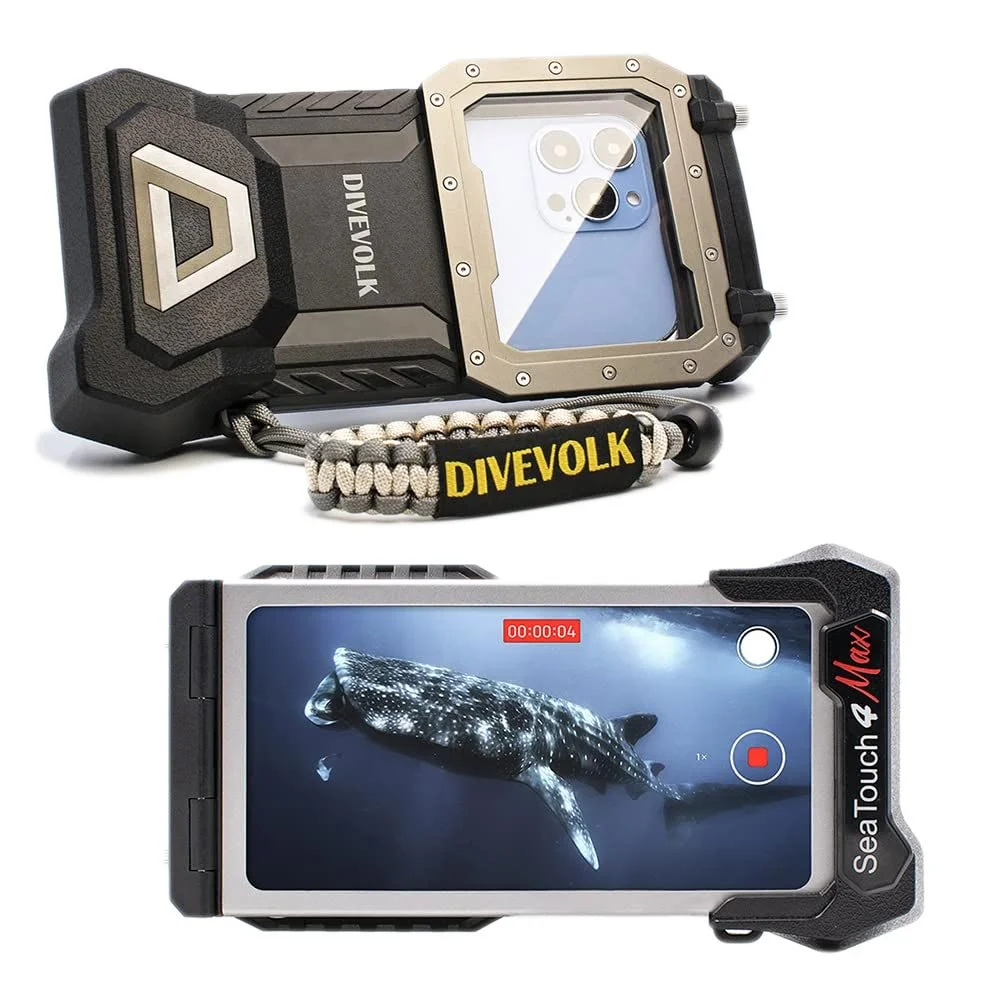
SeaTouch 4 Max housing, front and back.
Hack #3: Use the 60-Second Seal Check—and Never Grease the Gasket
Traditional underwater camera housings have trained divers to remove and grease O-rings. Divevolk uses a different system: a one-piece silicone sealing gasket. It should be kept clean and inspected, but it should not be greased.
Before every dive:
Open the housing in a clean, dry place—not beside blowing sand or sea spray.
Inspect the entire gasket for hair, lint, sand, salt crystals, sunscreen, cuts or flat spots.
Gently wipe the gasket and its mating surface with a clean, lint-free cloth.
Check that the lens port is clean and undamaged.
Close the cap squarely and tighten the screws evenly in an alternating pattern.
At the beginning of a trip, after replacing a gasket, or whenever the housing has taken a knock, do a quick empty-housing test in fresh water before putting your phone inside. Watch for a steady stream of bubbles, then open the housing and confirm that the interior is completely dry.
After salt-water diving, soak the housing while it is still closed in fresh water, let it air-dry away from direct sun and store it with the cap only lightly closed. That avoids leaving the gasket compressed for weeks between trips.
Final Thoughts: Small Changes, Better Dives
None of these Divevolk hacks requires another expensive piece of gear. AssistiveTouch makes navigation easier, the correct membrane setup improves touch response, and a one-minute seal check protects the most expensive item in the housing: your phone.
Set them up once, turn the checks into a routine and you can spend less time fighting your gear—and more time capturing the dive.
If you are using an ad-blocker, you might have to manually enter the code DIVEUWP6 during checkout.
Further reading: